Setup
To get started with creating live video calls from Ospi, make sure to finish these steps and then move on to integrating Ospi in your application.
-
Register in the Developer Portal
To get started with Ospi, you must first register an account on the Developer portal.
-
Create an Organisation
After you have created your account on Ospi, go ahead and create an orgnisation. All meeting, sessions, logs and recordings are created within an organisation.
-
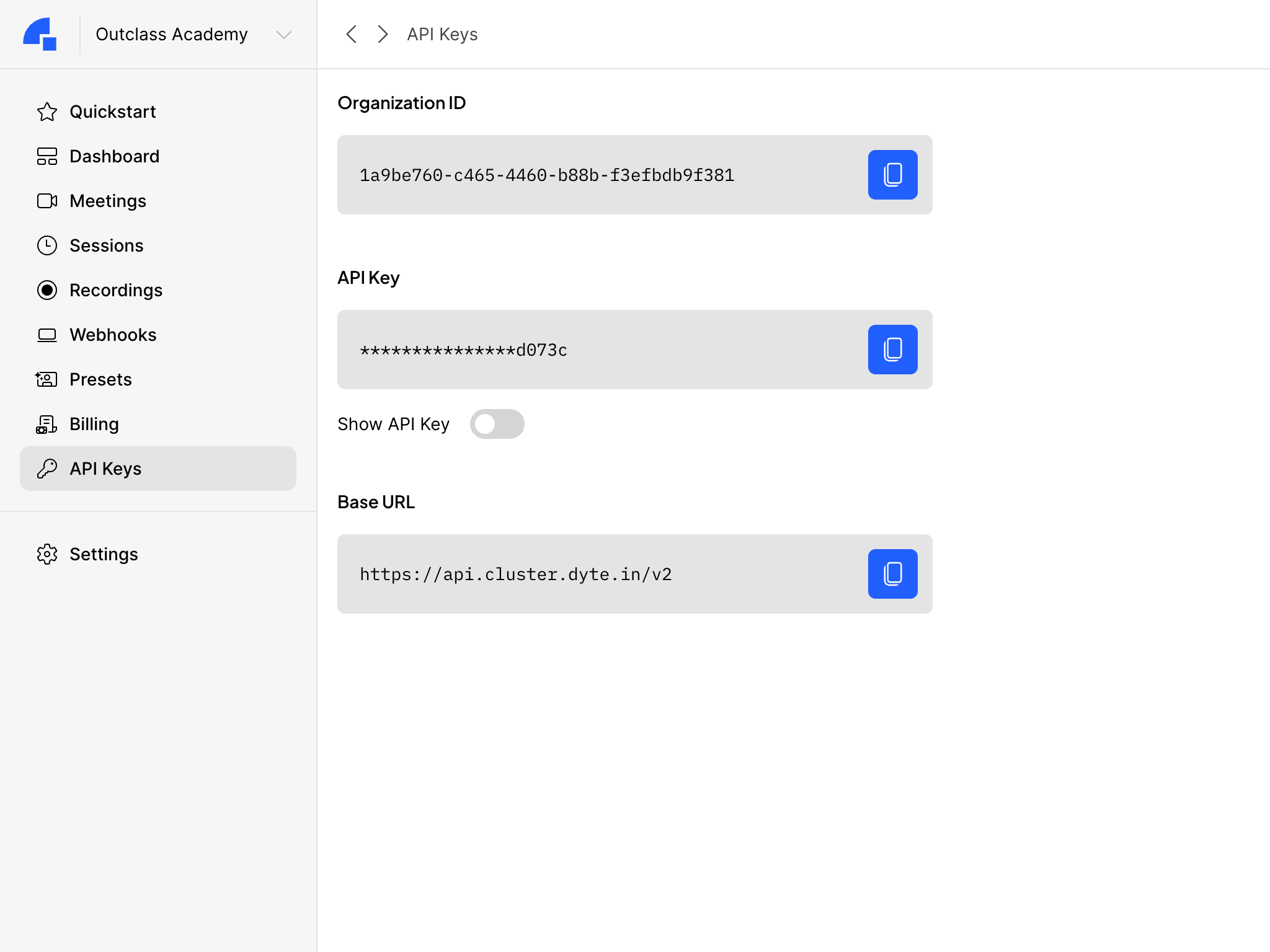
Get your API Keys
Copy the API Keys for your organization from the Developer portal. The API Key is unique to your organization and is required as an authorization header to use Ospi REST APIs.
The next guide Concepts will talk about the basic concepts used in a system using Ospi!